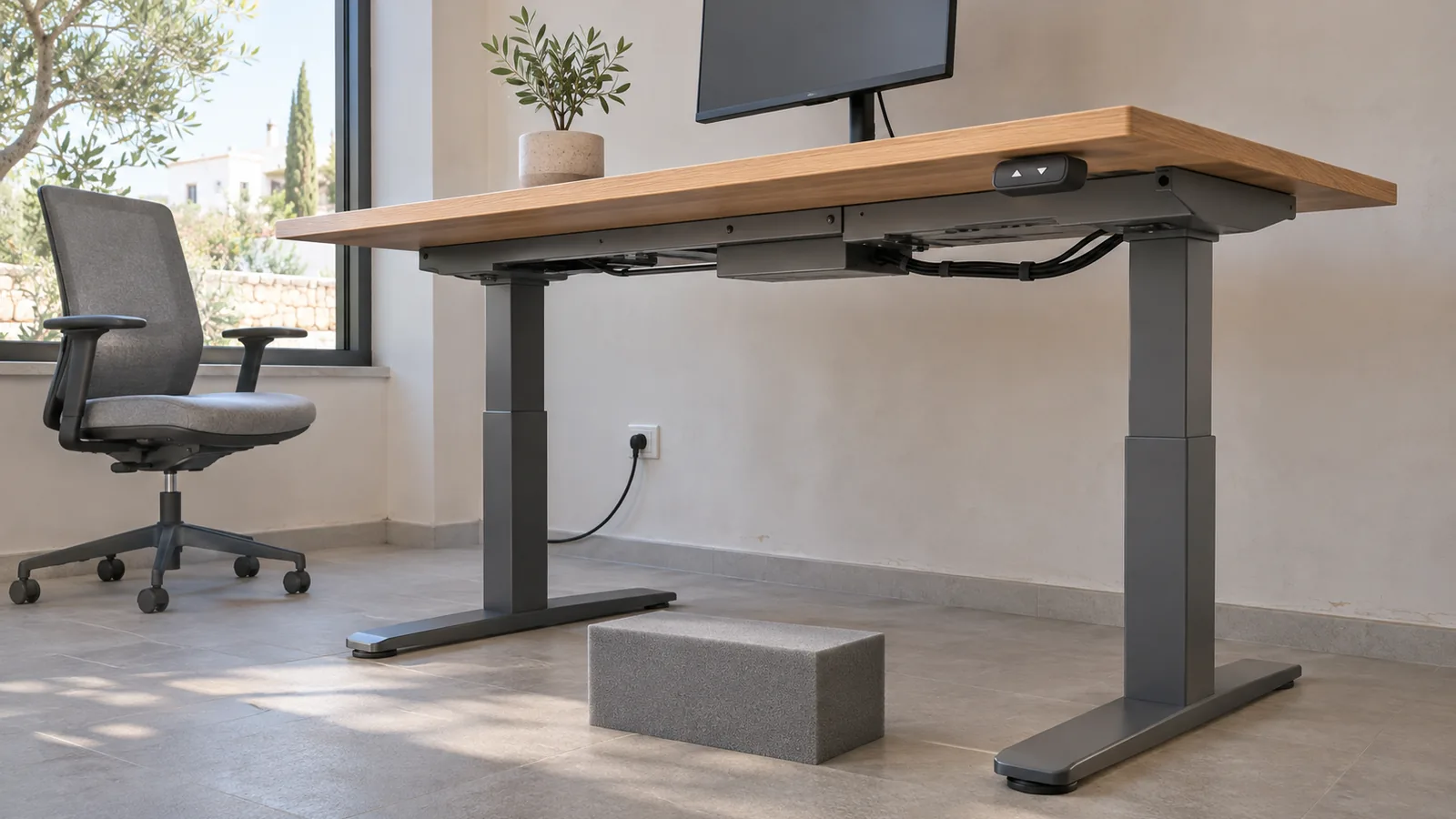
“Anti-collision included” looks reassuring in a standing-desk quotation, but it is not yet a testable specification. It does not tell the buyer what senses an obstruction, whether the system works in both directions, which sensitivity setting will be supplied, or how the installed desk should be checked without creating another hazard.
The useful procurement question is more precise: what evidence and commissioning record will show that the anti-collision behaviour of this exact standing desk is suitable for its installed workstation? The method below turns that question into an approval schedule for procurement, facilities, IT and the installer.
Anti-collision is a response system, not a clearance plan
Electric desk systems do not all detect a collision in the same way. LINAK describes its Desk Sensor 1 as a gyroscope-based unit that detects a slight tilt while the desk is moving, then stops and drives in the opposite direction. Its separate PIEZO system is integrated into a lifting column and responds to direct obstruction. LOGICDATA’s LOGICisp G is another gyroscopic sensor, with adjustable sensitivity and compatibility requirements for a particular control system.
Those descriptions make two limits clear. First, the words “anti-collision” do not identify one universal mechanism or response. Secondly, manufacturers describe the feature as a way to limit material damage or protect the system, rather than as permission to leave shelves, pedestals, chair arms or cables in the travel path. The workstation still needs deliberate clearance in its lowest, highest and everyday positions.
Replace the feature tick with an evidence schedule
Ask the supplier to complete one line for each desk configuration. If a project uses the same frame with different controllers, worktops or accessories, treat those as separate configurations until the manufacturer confirms otherwise.
| Evidence field | What the quotation should state | Why it changes approval |
|---|---|---|
| Complete identity | Desk, frame, lifting columns, control box, handset and sensor | A component name alone does not identify the installed system |
| Detection method | Manufacturer’s description of how an obstruction is detected | Gyroscopic, load-based and column-integrated systems may respond differently |
| Direction and response | Upward and downward coverage, stop behaviour and any reverse travel | A buyer should not infer coverage from the feature name |
| Configuration | Sensitivity setting, factory default and who may change it | A setting can affect nuisance stops and detection behaviour |
| Operating conditions | Permitted load, worktop sizes and accessories for the stated function | The ordered workstation must match the documented configuration |
| Commissioning method | Official manual and the safe test procedure for the exact system | The site team needs a repeatable check, not an improvised demonstration |
| After an event | Reset, fault and service instructions | Users need to know when operation may resume and when support is required |
Record the document title, version and date, not just a web link. Manufacturers update controllers and manuals, while a project may order desks in more than one batch. LINAK maintains a dedicated manual library for its desk systems; the relevant document is the one that matches the installed components.
Map the travel path before testing a feature
Inspect the complete workstation with its real equipment connected. Divide the check into four paths:
- Above the worktop: shelves, window handles, wall-mounted screens and overhanging joinery.
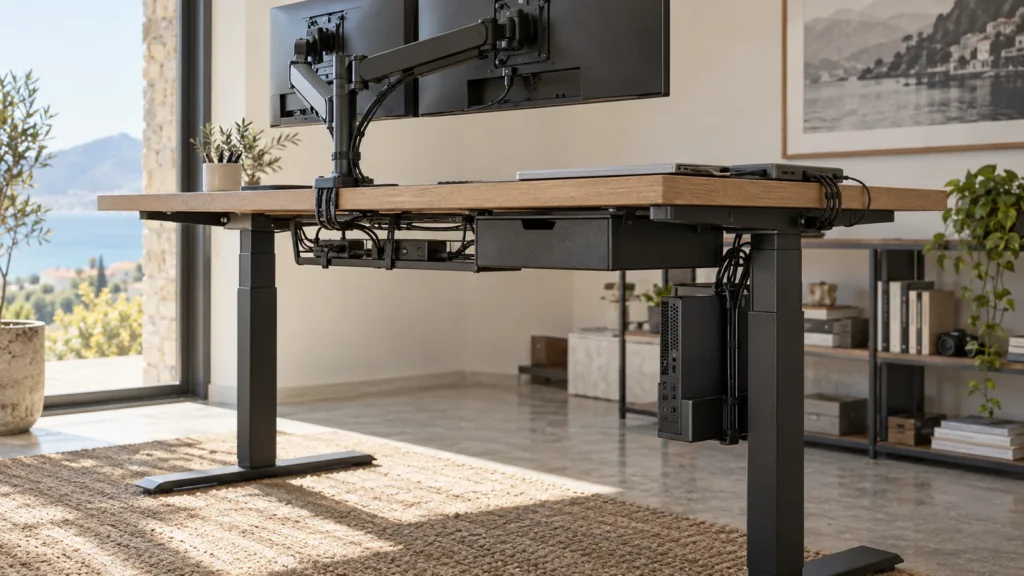
- Below the worktop: mobile pedestals, bins, chair arms, computer holders and personal items.
- Beside the moving assembly: neighbouring desks, screens, partitions and furniture edges.
- Across moving and fixed points: power, data and display cables, docking stations and floor boxes.
A clear path is the primary control. Anti-collision is the secondary response if the desk nevertheless meets an obstruction. If the layout depends on the sensor stopping the desk beneath a fixed shelf every day, the layout should be revised or the maximum height controlled according to the manufacturer’s instructions.
The existing standing-desk handover checklist covers user fit, cable travel and the complete workstation after installation. Use it alongside this anti-collision record, rather than asking one feature test to approve the whole setup.
Use three gates at handover
1. Document gate
Match the delivered labels and components to the approved evidence schedule. Confirm the sensitivity setting and any programmed height limits. If the controller or sensor differs from the quotation, stop the acceptance check until the supplier explains the substitution in writing.
2. Installation gate
Check levelling, secure worktop fixing, accessory positions, moving load and cable slack before operating the desk through its range. The separate moving-load worksheet explains how to count the worktop and everything attached to the rising assembly. A collision sensor does not correct an overloaded or poorly distributed workstation.
3. Witnessed function gate
Follow the manufacturer’s procedure for the exact desk. Use only the safe test object and method specified or approved by the supplier. Never use a hand, body part, fragile item or valuable equipment as an obstruction. Record the direction tested, starting height, installed load, sensitivity setting, observed stop or reverse behaviour and any fault indication.
If the manual provides no safe site test, do not invent one. Ask the supplier for a written commissioning method or record that the feature could not be functionally verified on site. A feature tick without a safe verification route remains an unresolved approval item.
Worked example: one project, three different risks
Consider a hypothetical project with 24 electric desks. All use the same frame, but their surroundings and equipment differ. The example below shows why one generic anti-collision certificate is not enough.
| Workstation type | Site-specific issue | Approval action |
|---|---|---|
| Perimeter desk | A wall shelf sits above the highest working position | Confirm a safe permanent clearance or document an approved maximum-height limit; do not rely on daily collision detection |
| Shared touchdown desk | Users move a pedestal and chair between shifts | Mark the clear operating zone, include it in user handover and verify the downward function by the approved method |
| Dual-screen desk | Monitor-arm and dock cables cross from moving to fixed points | Complete full-range cable checks before the function test and record the installed equipment configuration |
The project record should identify each desk by location or asset number, even where one representative system document covers the whole batch. Installation conditions are individual: one misplaced pedestal or short display cable can change the result at a single workstation.
Tender wording that can be accepted or rejected
The height-adjustable desk shall include manufacturer-documented anti-collision behaviour for the complete offered configuration. The tender return shall identify the sensing system, applicable directions, response, sensitivity setting, compatible controller and official commissioning procedure. At handover, the supplier shall confirm the installed configuration, inspect the full travel path and complete the manufacturer’s safe functional check, recording the result for each workstation or agreed asset group.
Adapt that wording to the project’s contract and risk process. It is deliberately performance-focused: it asks the supplier to prove the offered system instead of prescribing an unnamed sensor or copying a marketing phrase.
When to reject “anti-collision included”
- The supplier cannot identify the exact controller, sensor or manual.
- The response direction and sensitivity are unspecified.
- The ordered worktop, load or accessories fall outside the documented configuration.
- The layout contains a predictable obstruction that should be removed or designed out.
- There is no manufacturer-approved commissioning method and no written alternative from the supplier.
Studio Office’s standing-desk range in Cyprus includes models listed with anti-collision functionality. For a project quotation, ask for the exact frame, controller and test record rather than assuming every configuration behaves identically. If you are preparing a desk schedule, send the workstation types, accessories and room constraints through the contact page so those details can be returned with the proposal.