A desk advertised with a 120 kg lifting capacity does not automatically leave 120 kg available for monitors and equipment. The worktop may count towards that figure. So may the monitor arm, under-desk computer holder, cable tray, drawer and every item that rises with the desk. Unless the rating basis is stated, two apparently similar specifications may describe different usable loads.
The practical buying question is therefore: how much of the stated standing desk weight capacity remains after the complete moving workstation has been counted? The method below turns that question into a short approval record for one desk or an entire office project.
First establish what the published figure includes
Manufacturers do not always present capacity on the same basis. Steelcase states that the recommended 150 lb capacity of its Airtouch desk includes the worksurface. Herman Miller’s UK specification for the Jarvis Designer Ply Desk likewise describes its 158 kg capacity as including the top surface. A frame specification may instead describe what its lifting columns can move, leaving the selected worktop to be deducted.
This difference is large enough to change a decision. Ask for a written answer to four questions before comparing models:
- Is the figure for a complete desk or for the frame?
- Does it include the supplied worktop and any factory-fitted accessories?
- Is it a lifting limit, a static load limit or another rating?
- What load distribution and configuration were assumed?
Keep the manufacturer’s wording with the quotation. Converting every figure to kilograms is useful, but it does not make unlike definitions comparable.
Build a moving-load ledger
Count every component that moves when the desk rises. Record an actual product mass from a manual, technical sheet or supplier document wherever possible. A guessed “typical monitor weight” is not suitable for approving a project.
| Load group | Examples | Evidence to record |
|---|---|---|
| Worktop | Top, edge treatment and any added reinforcement | Exact size, material, thickness and confirmed mass |
| On the surface | Monitors, laptop, dock, phone, speakers and task light | Model-specific mass, excluding only parts that will not be installed |
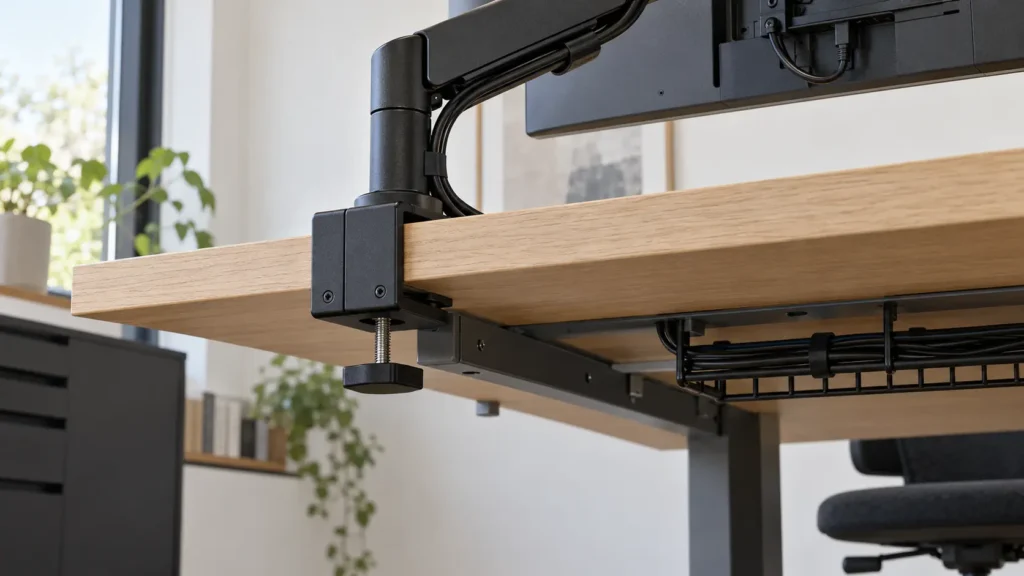
| Attached above | Monitor arms, privacy screens and desk-mounted accessories | Complete assembly mass, including adaptors and clamps |
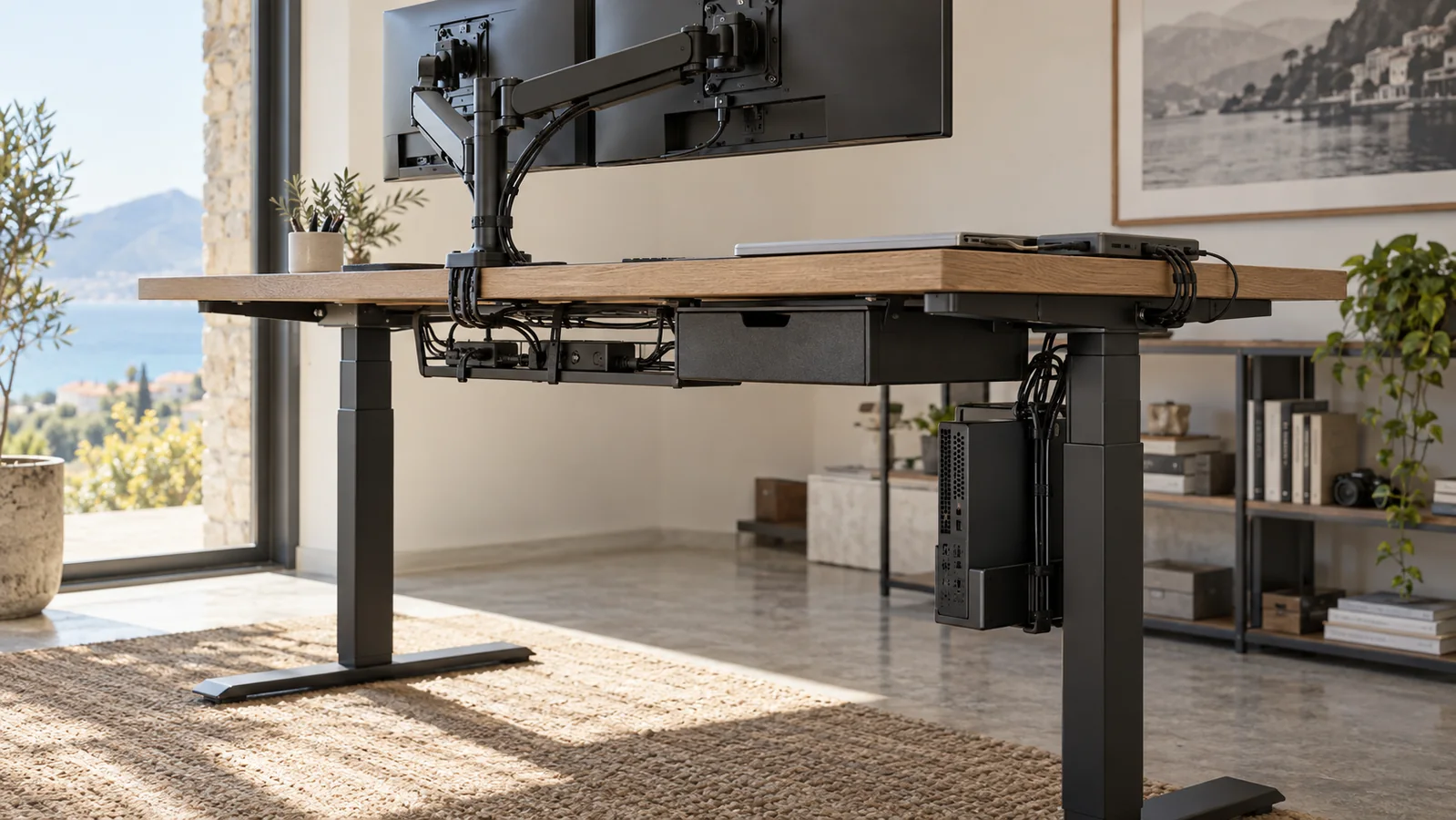
| Attached below | Computer holder, computer, drawer, power modules and cable tray | Installed mass of the accessory and its contents |
| Planned changes | Approved future screen, second arm or specialist device | Named item and reserved mass, not an unexplained percentage |
Vari’s official guidance tells buyers to include all accessories and monitors when calculating the total weight on a desk. That principle extends below the surface: if an accessory is fixed to the moving assembly, its mass belongs in the ledger.
The calculation has three lines
Once the rating basis is confirmed, use three simple lines:
- Confirmed lifting capacity for the exact desk configuration.
- Specified moving load, which is the sum of the worktop and every installed or reserved item that rises with it.
- Unallocated capacity = confirmed lifting capacity minus specified moving load.
Unallocated capacity is not permission to add anything later. It is a record of what has not yet been assigned. A future item still needs to suit the worktop, fixing zone, load distribution, cable route and the desk manufacturer’s conditions.
Worked example: a dual-screen workstation
Consider a hypothetical desk with a stated lifting capacity of 120 kg. The supplier confirms in writing that this figure includes the worktop. The project team obtains the following masses for its selected configuration:
| Component | Assumed mass for this example |
|---|---|
| Worktop | 27 kg |
| Two monitors | 14 kg |
| Dual monitor arm and adaptors | 7 kg |
| Laptop and docking station | 5 kg |
| Computer and under-desk holder | 13 kg |
| Cable tray, power modules and leads | 5 kg |
| Under-desk drawer with its specified contents | 8 kg |
| Named future device | 6 kg |
| Specified moving load | 85 kg |
On those assumptions, 35 kg remains unallocated. The arithmetic is only one approval gate. The supplier must still confirm that the 120 kg figure applies to the ordered size and frame, that the load arrangement is acceptable and that every attached accessory is compatible with the top and frame.
The values above are deliberately hypothetical. Replace every line with evidence for the products actually being ordered. If the worktop mass or the definition of the 120 kg rating is unknown, the calculation is incomplete rather than conservative.
Capacity is not the same as load distribution
A total can sit below a published limit while the configuration still needs review. The Steelforce Pro 300 specification, for example, states a maximum lifting capacity of 100 kg with even desk loading and defines lifting capacity as the load plus the desktop. That wording makes two points visible: the top counts, and distribution matters.
Record where heavy items will sit, especially computers mounted beneath one side, concentrated equipment near the rear edge and accessories attached beyond the frame rails. Do not move items around merely to make a spreadsheet pass. Ask the desk supplier to approve the actual layout or specify a different support arrangement.
Anti-collision does not increase the lifting allowance
Collision sensing and lifting capacity answer different questions. LINAK lists both an up-to-1600 N lifting capacity and sensor-based anti-collision for its Desk Frame 2. One describes the frame’s lifting performance; the other is intended to respond to an obstruction. A collision feature does not turn an overloaded or poorly distributed configuration into an approved one.
Keep the travel path clear and follow the instructions for the exact desk. Do not place an object in the path as an improvised test. The separate standing-desk handover checklist covers cable travel, clearances and commissioning after installation.
When a higher capacity number is not the deciding factor
A larger figure cannot compensate for an unsuitable height range, an incompatible worktop, a blocked monitor-arm fixing zone or a layout that places equipment in the desk’s travel path. Once the moving load is supported with adequate unallocated capacity for named plans, compare the features that affect the actual project: desk dimensions, adjustment range, control, cable management, worktop options, applicable testing and support for the ordered configuration.
The Fly Lite Height Adjustable Desk, for example, is currently listed with a 120 kg lifting capacity and three worktop sizes. For a project quotation, ask Studio Office to state whether that figure includes the selected top and to identify the capacity that applies to the exact configuration being supplied. The same question should be asked of any desk rather than inferred from a headline number.
What the quotation should state
- Desk manufacturer, model, frame and controller.
- Worktop material, dimensions, thickness and mass.
- Published lifting capacity for that configuration.
- Whether the figure includes the worktop and factory-fitted accessories.
- Permitted load distribution and any configuration restrictions.
- List and mass of every desk-mounted accessory included in the proposal.
- Specified moving load and resulting unallocated capacity.
- Manual, technical sheet and test standard that support the stated figures.
For a Cyprus workplace project, send the equipment schedule, worktop size and proposed accessory layout through the Studio Office contact page. Ask for the completed moving-load ledger to be returned with the quotation so procurement, IT and the installer are working from the same approved configuration.